
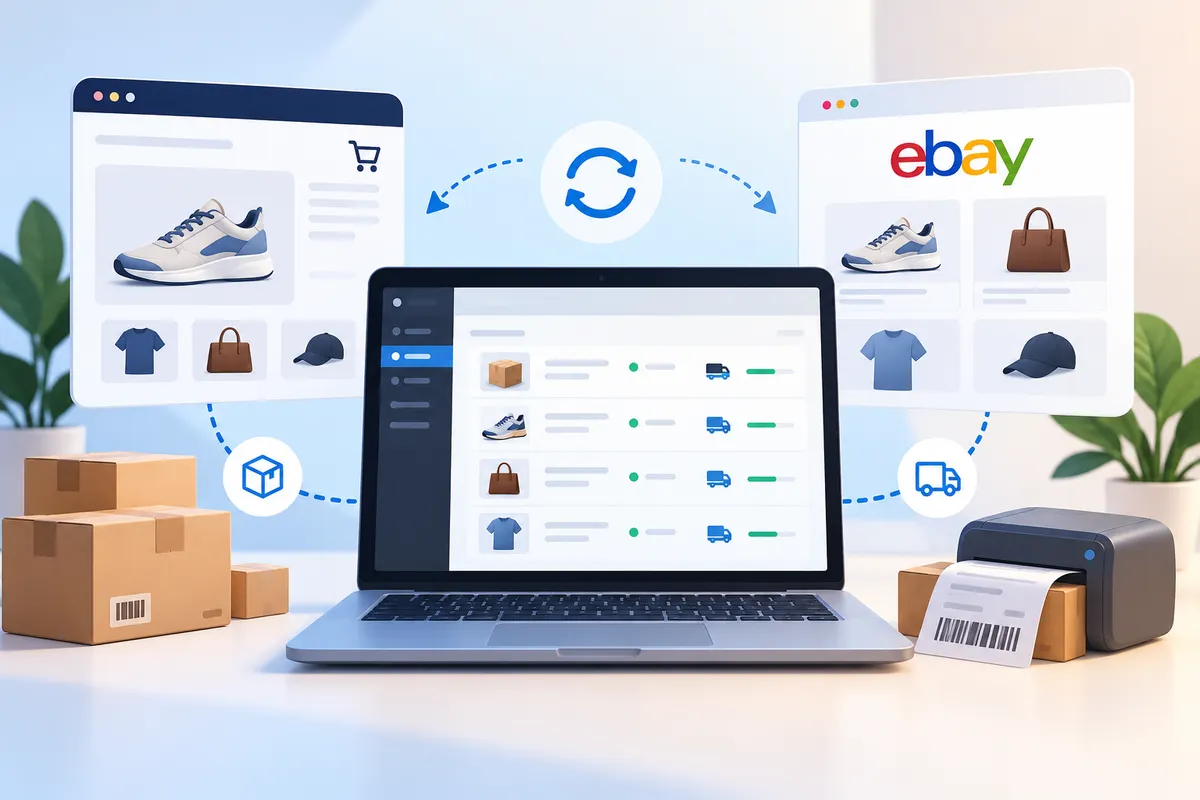
Selling on eBay from your own ecommerce: how to connect the channel and manage orders from one back office
If you sell on eBay and also run your own site, you know the routine: two admin panels open, stock updated by hand, tracking numbers copied from one window to another. It holds while orders are few. When they grow, the most likely mistake is selling on eBay an item your site has already sold.
This guide explains how to connect eBay to your store in Markeplay, switch on order sync and handle tracking and receipts from a single back office. First, two changes from this autumn that matter for anyone selling on eBay in Italy.
What changed on eBay Italy this autumn
Selling between private individuals is now free. In a press release dated 2 September 2026, eBay announced that from 1 September private sellers on eBay.it no longer pay selling fees. It also introduced listing creation from a photo, shipping labels bought on the platform and local pickup. eBay's help page on private seller fees notes that costs remain beyond the monthly free listings and for some optional features.
For a business seller this does not change your own fees, but it changes the competition: more items listed by private sellers, especially in second-hand and collectibles. In those categories it matters even more to look like a proper shop, with clear terms, reliable stock and on-time shipping.
Out-of-home delivery comes to eBay. On 14 October 2026 InPost Italia announced its partnership with eBay: buyers can pick up at more than 10,000 points in Italy, including 6,000 lockers and 4,500 InPost Points. Sellers can buy InPost labels directly from eBay and, according to InPost, the agreement also allows integration with logistics platforms.
The practical point: eBay increasingly expects correct tracking and reliable delivery times. If eBay orders sit outside your main workflow, they are the first to suffer.
Before you connect: four things to have ready
- An eBay account with an active store. Markeplay's Help Center is explicit: for this channel the eBay account must have an active store, otherwise the connection returns an error.
- Your eBay account credentials and the country you sell in.
- Pop-up blocking switched off in your browser: the connection procedure requires it.
- A clean catalog: unique product codes (SKUs) and up-to-date stock. Linking eBay listings to catalog products only works well when codes are consistent.
How to connect eBay in Markeplay
The procedure is described in the Help Center (in Italian), under "Attivazione e sincronizzazione dei marketplace". The screenshots in the guide date from 2023 and are still valid: menus and steps are the current ones.
Step 1: create the new channel
In the left menu open "Canali di vendita" (Sales channels) and click "Nuovo canale" (New channel). Choose eBay from the available channels (the others are Amazon and ManoMano).
Step 2: enter your eBay credentials
Name the channel, for example "eBay store", and select the country you sell in. On the next screen enter your eBay account credentials. If the account has no active store you will see an error message: open the store on eBay first.
Step 3: switch on order sync
Once connected, a message warns you that order sync starts switched off. It is a cautious default: it gives you time to check catalog and settings before orders start coming in. To switch it on, go to the sales channel settings and untick "disattivato" (disabled). On the same screen you can set a date range to sync, useful if you want to pull in the last few days of orders.
Step 4: link listings to your catalog
The "Remote Products" button shows your active eBay listings and lets you sync them with the products in your store catalog. From then on a product has one stock figure: the one in your back office.
Step 5: check the reports
Under "Impostazioni Generali" → "Impostazione canali esterni" (General settings → External channel settings) you will find the "Sync Report": it shows the outcome of order sync over the number of hours you choose. The same section has a report of tracking updates. In the first days it is worth opening both every morning.
After connecting: orders, tracking, receipts
Markeplay's Amazon & eBay page sums up the flow: upload products, sync prices and stock, receive orders and update shipping status. In practice, according to the Help Center:
- eBay orders land in the back office order list, alongside your site's orders.
- Tracking updates itself. On every remote channel a service updates tracking data from couriers. With BRT, which makes tracking available a few minutes or hours after the shipment is created, a dedicated service syncs the correct data to the remote order.
- Receipts are issued from the back office. On every external-channel order you can issue a receipt once Biztobe is linked in the channel settings. More on this in our e-invoicing article.
- "Fulfillment" actions. Next to remote-channel orders there is an icon for actions carried out directly on the channel; if it is red, a manual action has already been done on that order. The Help Center recommends always handling shipping and invoicing from Markeplay, because actions from that icon only affect the remote channel.
The same pattern applies to Amazon and ManoMano. If you also want to sell on marketplaces built with Markeplay, such as Buymore.it, there is Markeplay Connect.
Common mistakes
- Connecting before fixing SKUs. Listings don't find the right product and stock figures drift apart.
- Forgetting that order sync starts off. The channel shows as connected, but orders won't arrive until you untick the box.
- Shipping from the eBay panel instead of the back office. Tracking doesn't return to the order and the customer gets less information.
- Ignoring the reports in the first days. A mapping error shows up in the Sync Report long before a customer flags it.
FAQ
Can I connect eBay without an eBay store? No: according to Markeplay's Help Center, the eBay channel requires an account with an active store.
Do eBay orders arrive right after connecting? No. Order sync starts switched off: turn it on in the channel settings by unticking "disattivato".
Can I import orders from previous days? Yes, in the channel settings you can set a date range to sync.
Do I have to enter tracking on eBay by hand? No: on every remote channel a service updates tracking from couriers, BRT included.
Can I manage Amazon and ManoMano from the same back office? Yes, the procedure always starts from "Canali di vendita" → "Nuovo canale".
Try it on your store
The simplest way to see whether the connection works for you is to try it with ten products and a week of orders.
- Try Markeplay free for 30 days → https://backoffice.markeplay.com/register?utm_source=blog&utm_medium=article&utm_campaign=vendere-su-ebay-dal-tuo-ecommerce-guida&utm_content=cta-en
- Want to see it with your eBay account? Request a demo → https://www.markeplay.com/en/contactus
Sources
- eBay Inc., "eBay introduce nuove funzionalità in Italia: vendere tra privati ora è gratuito e più semplice", 2/9/2026: https://www.ebayinc.com/stories/press-room/it/ebay-free-c2c/
- eBay.it, "Tariffe per venditori privati": https://www.ebay.it/help/selling/fees-credits-invoices/tariffe-per-venditori-privati?id=4822
- InPost Italia, "Siamo anche su eBay!", 14/10/2026: https://inpost.it/news-siamo-anche-su-ebay
- Markeplay Help Center, "Attivazione e sincronizzazione dei marketplace", "Sincronizzare eBay", "Amazon": https://markeplay.gitbook.io/product-docs/linee-guida/crea-il-tuo-e-commerce/attivazione-e-sincronizzazione-dei-marketplace
- Markeplay, Amazon & eBay page: https://www.markeplay.com/en/info/amazon-ebay